Performance Benchmarking
"We should forget about small efficiencies, say about 97% of the time: premature optimization is the root of all evil. Yet we should not pass up our opportunities in that critical 3%" — Donald Knuth
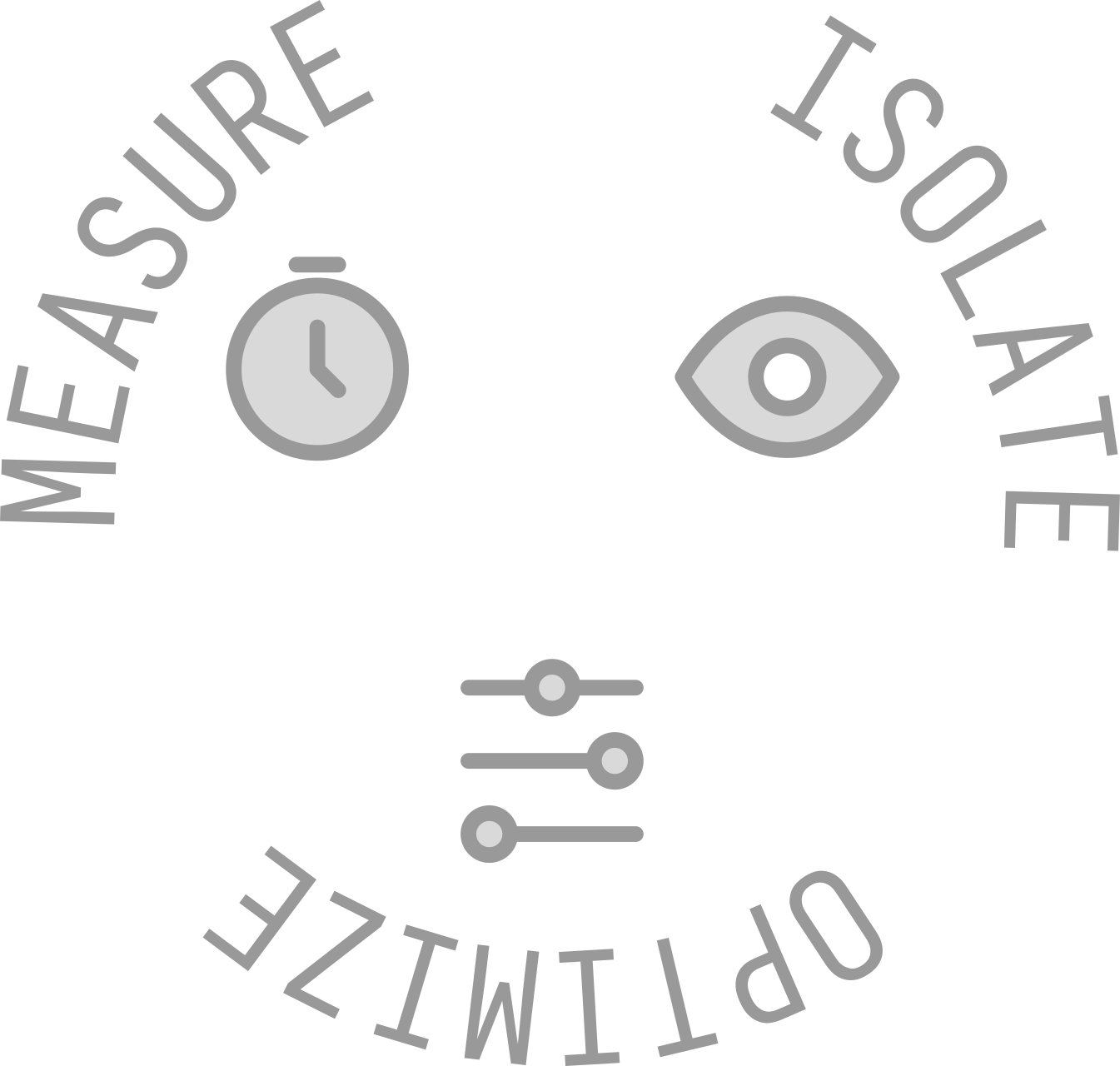
Performance Tuning Cycle
The performance tuning cycle is an iterative process that helps identify and resolve performance bottlenecks in software applications. It consists of the following steps:
- Identify Performance Goals: Define clear and measurable performance objectives based on user requirements and business needs.
- Measure Baseline Performance: Use profiling tools to gather data on the current performance of the application, establishing a baseline for comparison.
- Analyze Performance Data: Examine the collected data to identify bottlenecks and areas for improvement.
- Implement Optimizations: Apply targeted optimizations to address identified bottlenecks, which may include code refactoring, algorithm improvements, or resource management enhancements.
- Re-measure Performance: After implementing optimizations, re-measure the application's performance
What to measure
When benchmarking performance, consider measuring the following metrics:
- Memory Usage (heap, stack)
- CPU Usage& hot paths
- IO bottlenecks (disk, network)
- Throughput (e.g., requests per second)
- Latency: e.g response time, tail Latency
Tools
Hyperfine
Hyperfine is a command-line benchmarking tool that allows you to measure the execution time of commands and scripts. It provides statistical analysis of the results, including mean, median, standard deviation, and more. Hyperfine is useful for comparing the performance of different implementations or configurations.
# Install
cargo install hyperfine
# or
brew install hyperfine
Comparing
You can compare the execution time of two simple commands.
hyperfine 'sleep 0.1' 'sleep 0.2'
This will run each command multiple times and show you a statistical summary of the results.
A common use case is to compare the performance of different tools that do the same job. For example, comparing find and fd (a modern alternative to find).
hyperfine 'find . -name "*.md"' 'fd .md'
Benchmarking with Parameters
You can set up parameters for your benchmarks to see how performance changes with different inputs.
hyperfine --parameter-scan num 1 10 'my-script --size {num}'
This will run my-script with the --size parameter varying from 1 to 10.
Warmup Runs
For I/O-heavy commands, it's often useful to perform some warmup runs to make sure the disk cache is populated.
hyperfine --warmup 3 'cat my_large_file.txt > /dev/null'
Exporting Results
You can export the benchmark results to various formats like CSV, JSON, or Markdown.
hyperfine --export-markdown benchmark.md 'sleep 0.1' 'sleep 0.2'
This is great for sharing your results or for further analysis.
Sample output
hyperfine --warmup 3 'find . -name "*.md"' 'fd .md'
Benchmark 1: find . -name "*.md"
  Time (mean ± σ):      30.0 ms ±   1.2 ms    [User: 3.8 ms, System: 26.0 ms]
  Range (min … max):    27.8 ms …  33.7 ms    97 runs

Benchmark 2: fd .md
  Time (mean ± σ):      10.8 ms ±   1.6 ms    [User: 19.4 ms, System: 50.6 ms]
  Range (min … max):     8.6 ms …  30.3 ms    218 runs

  Warning: Statistical outliers were detected. Consider re-running this benchmark on a quiet system without any interferences from other programs. It might help to use the '--warmup' or '--prepare' options.

Summary
  fd .md ran
    2.77 ± 0.42 times faster than find . -name "*.md"
Flamegraph
Cargo Flamegraph is a tool for generating flame graphs from profiling data. Flame graphs are a visualization of hierarchical data, often used to represent CPU or memory usage in software applications. They help identify performance bottlenecks by showing which functions consume the most resources.
cargo install flamegraph
For proper working debug signals need to be activated:
[profile.release]
debug = true
Basic usage
# for a rust project
cargo flamegraph -o flamegraph.svg

# for a binary
cargo flamegraph --bin my_binary -o flamegraph.svg
Dhat
we use privacy-first analytics
that don't track you with cookies.
no personal data is collected.
GDPR & CCPA compliant.